How to Fix TeraBox Login Problems: Best 14 Solutions 2026
TeraBox MOD APK is a well-known cloud storage platform that offers 1TB of free storage to users worldwide, but it may sometimes experience glitches. Users often face issues such as login problems, file upload and download failures, weak internet connections, and server outages. Most Common issues are often solved through app updates, cache cleaning, permission adjustments, and reinstalling the app. In this guide, I am going to share the best solutions step by step for How to Fix TeraBox Login Problems so you can easily log in to your account.
TeraBox Login Problems and Solutions
Sometimes you want to log in to your TeraBox account, but you see different errors, such as an incorrect password, installation errors, or a loading screen. Below are the most common TeraBox Login problems, and their possible solutions are explained:

Poor Internet Connection
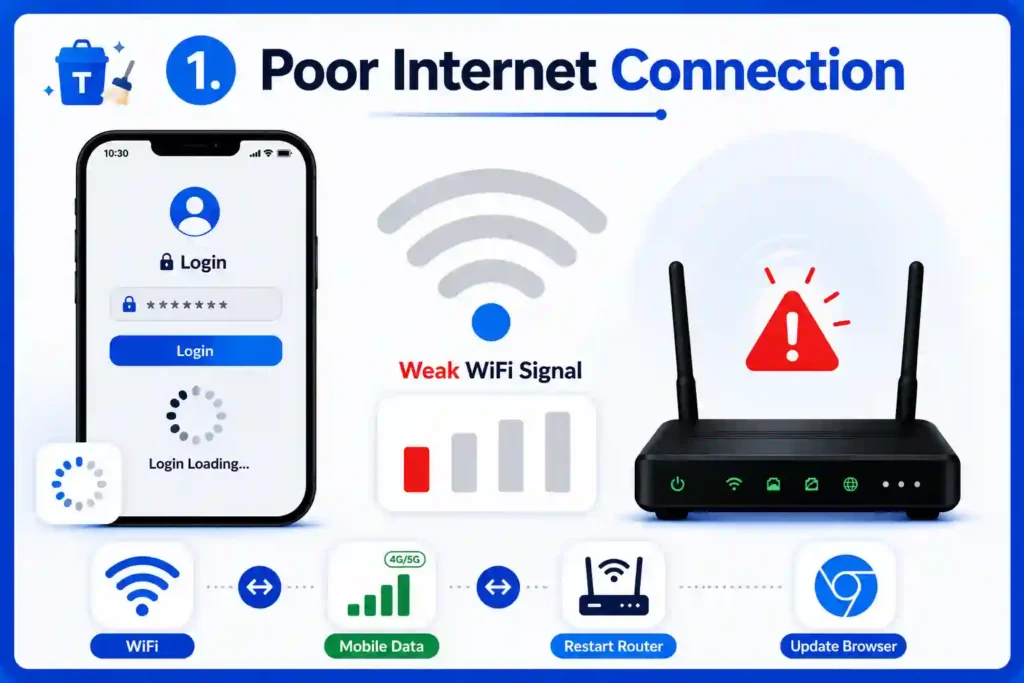
This is one of the most common reasons behind the login problems. When you try to access your account, the login screen either keeps loading or fails to connect due to a weak internet connection. To fix this issue, try switching between the WiFi and the mobile network to see which one works better. If the problem still occurs, restart your router or update your browser
TeraBox Web Login issues
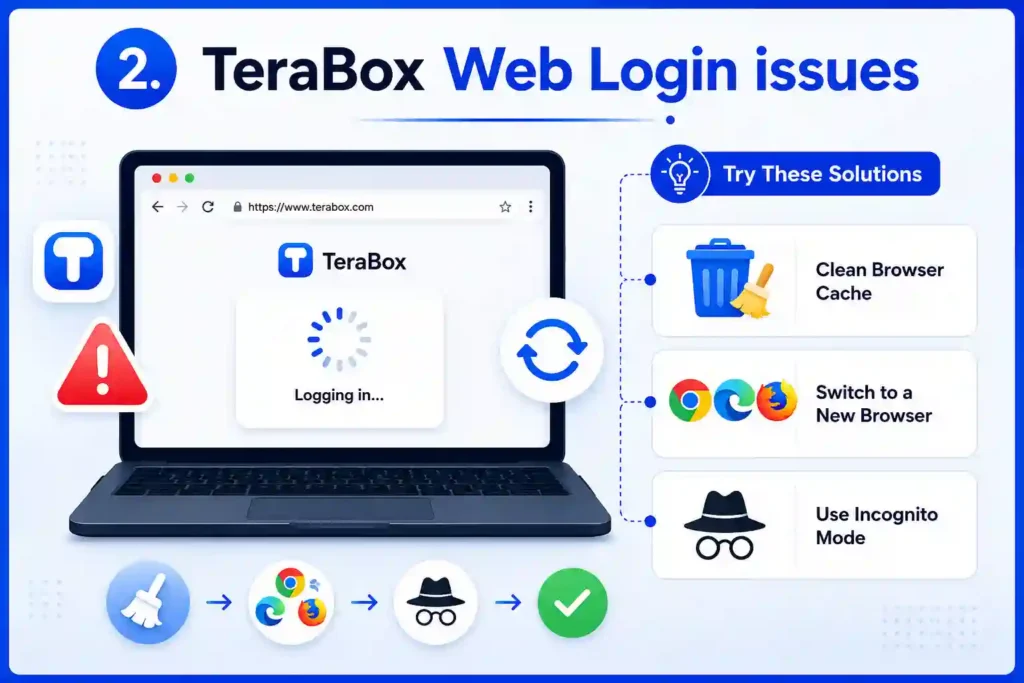
In some cases, when you are trying to log in to the TeraBox web version, it keeps loading or refreshes again and again. For an issue like this, clean your browser cache, switch to a new browser, or try to open TeraBox in incognito mode to log in without any problem.
Insufficient Storage Affects Login
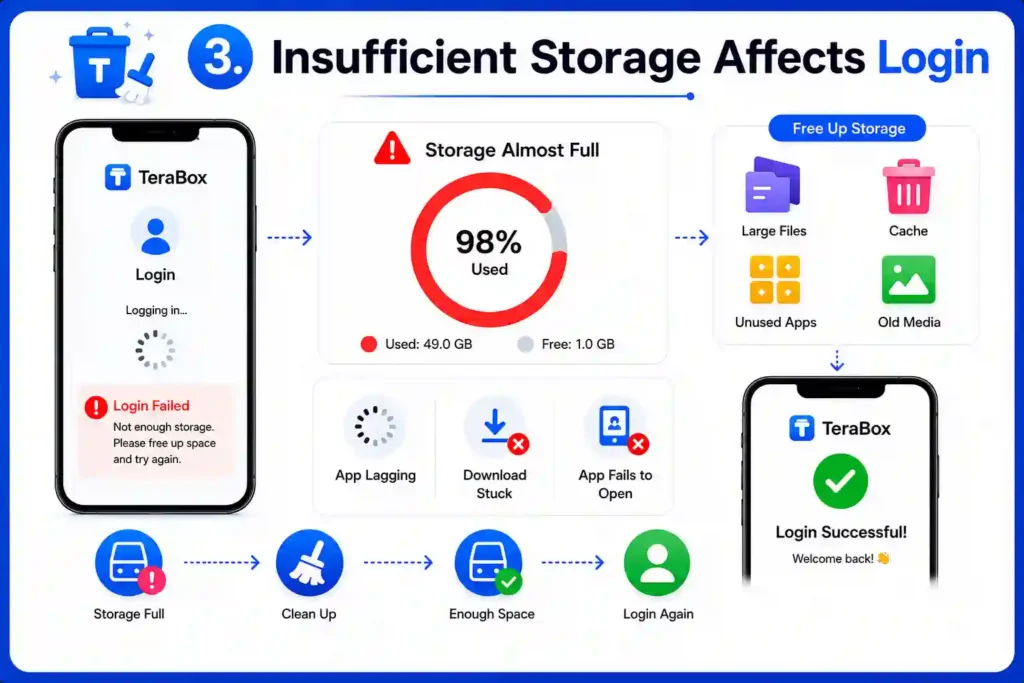
When your device storage is full, TeraBox may not work smoothly, which can affect the login process. The app keeps lagging, gets stuck while downloading, or fails to open properly; in that case, delete unnecessary files and apps to free up some storage space. Once you have enough space, open the app again and try logging in again.
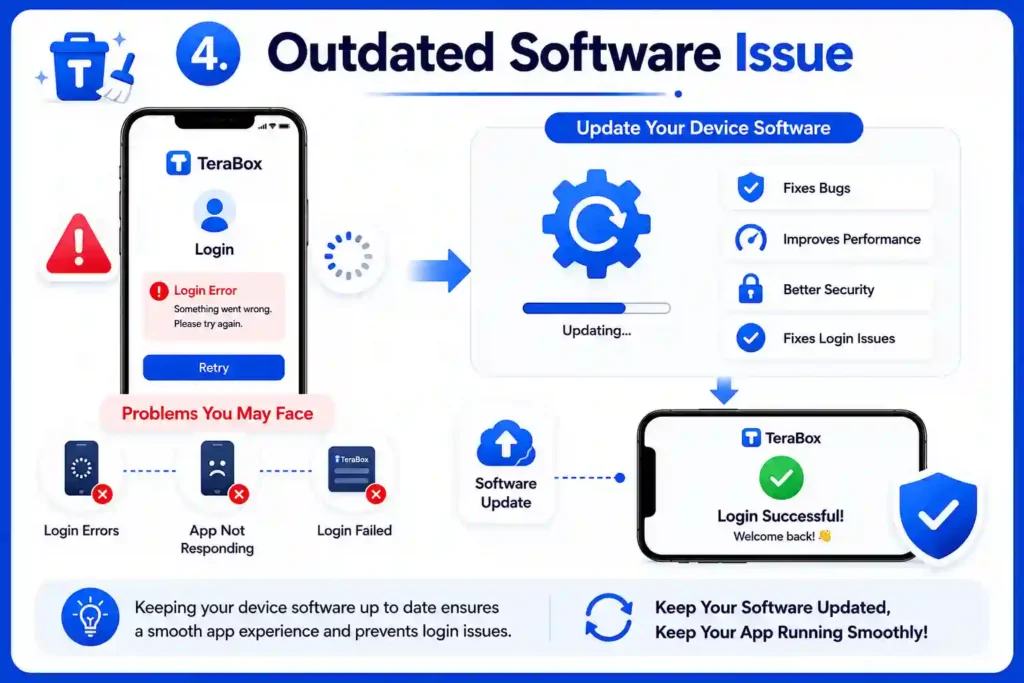
Outdated Software Issue
If your device software is not updated, the app starts showing login errors or stops responding properly. Update your device software; this helps run the app properly and often fixes login problems.
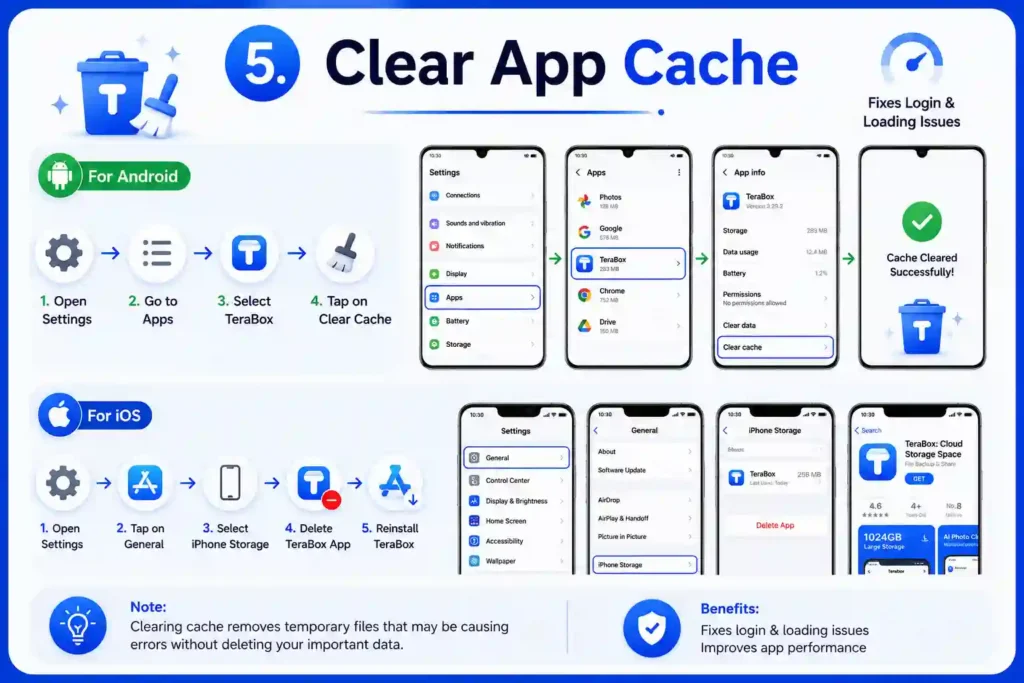
Clear App Cache
Sometimes, an old and corrupted data cache causes TeraBox Login problems and loading issues. To fix this problem in Android devices, go to your phone settings, open the app list, and clear the cache of TeraBox. If you are using iOS devices, reinstalling the app can solve the issue, because it does not have a clearing the cache option.
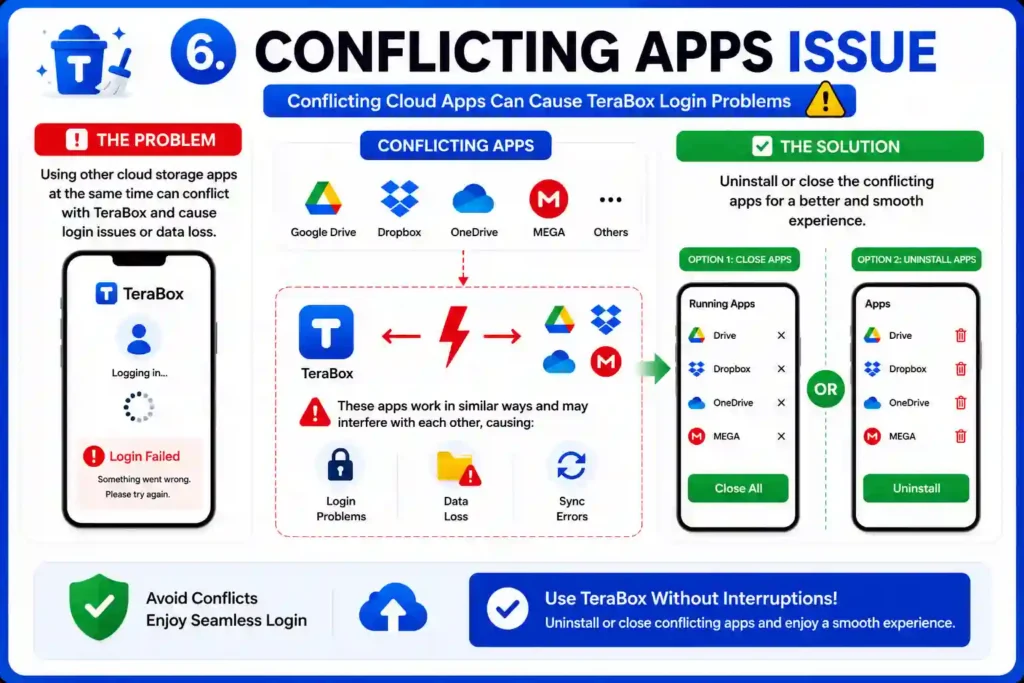
Conflicting Apps Issue
Using other cloud storage apps at the same time can conflict with TeraBox MOD APK and create login problems. Because these apps work in similar ways, they may interfere with each other and can cause data loss. To avoid this problem, uninstall or close the conflicting apps for a better experience.
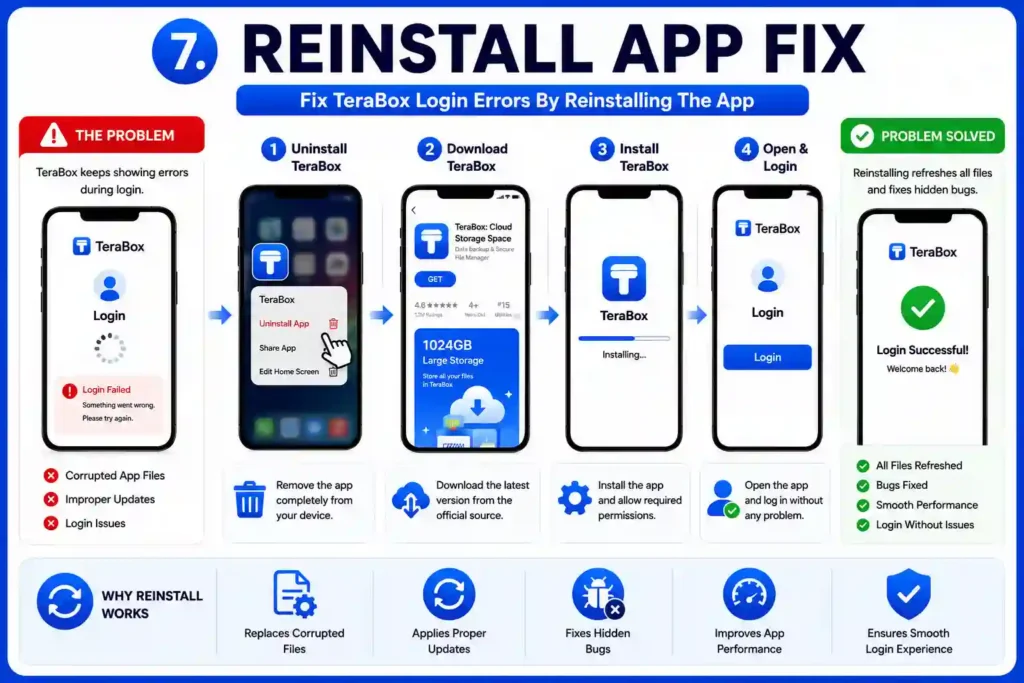
Reinstall App Fix
If TeraBox keeps showing errors during login, this might be due to corrupted app files or improper updates. This can stop TeraBox from working smoothly or create login issues. A simple way to fix this is to remove the app, then reinstall it. This refreshes all files and often fixes hidden bugs, allowing you to log in without any problem.
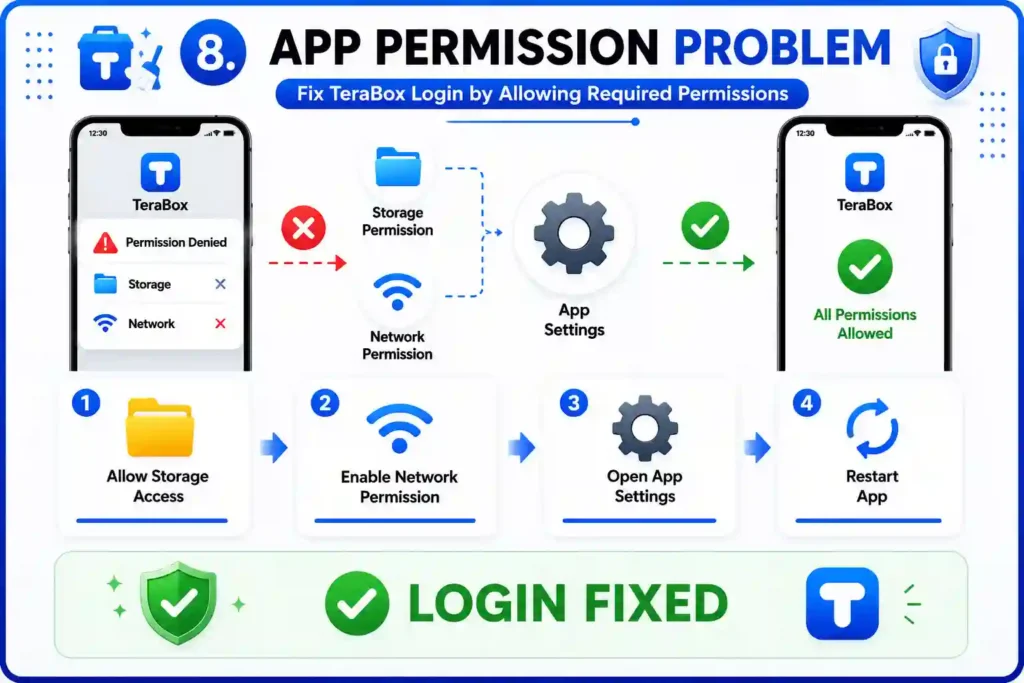
App Permission Problem
Denying the required permission during installation can cause login problems because TeraBox needs access to your storage and network settings. You can fix this; simply go to your phone settings and allow the needed permissions for the app. After allowing all permissions, open the app again, and this can help fix the login problem.
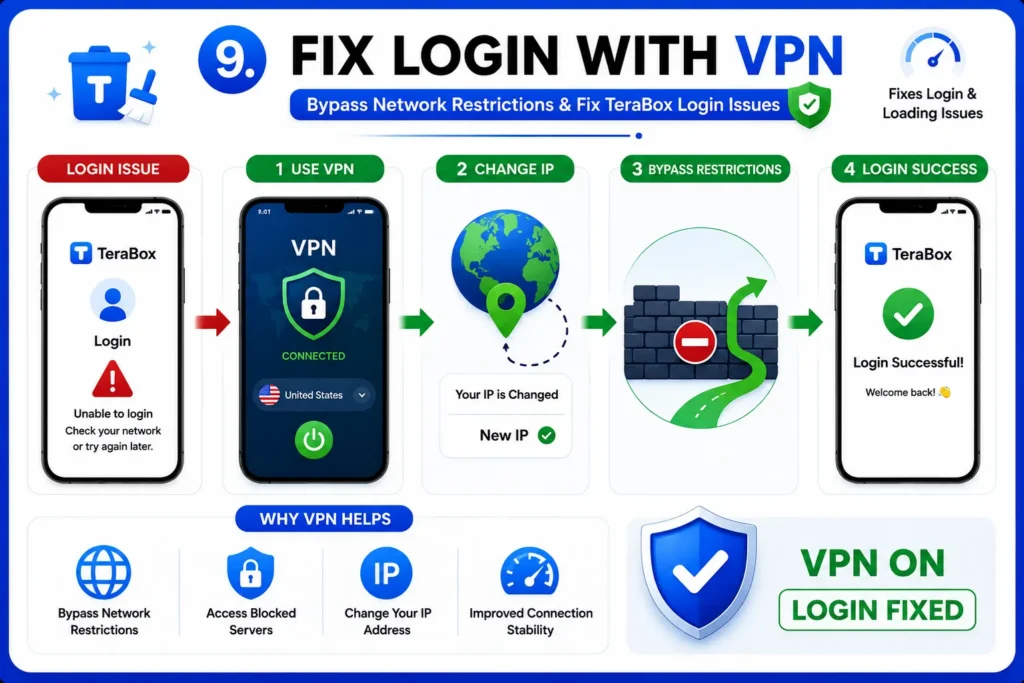
Fix Login With VPN
Sometimes, TeraBox login problems are caused by network or server restrictions in your region. Try using a reliable VPN to change your IP, and this also helps you bypass server issues. In many cases, using a VPN solves login issues.
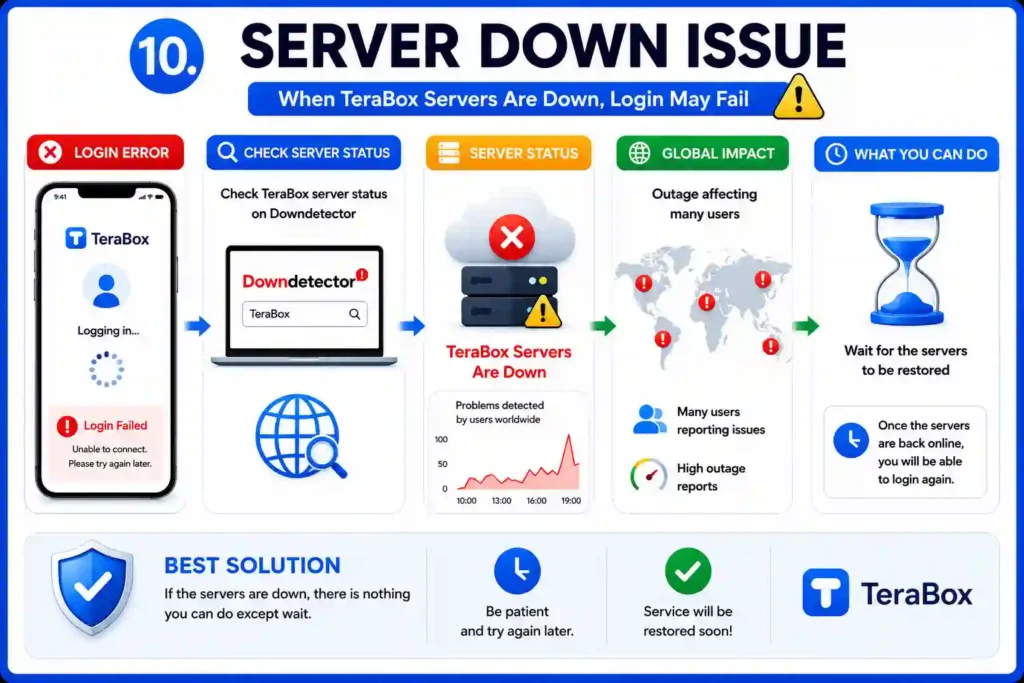
Server Down Issue
If the TeraBox servers are down or under maintenance, the app fails to connect and keeps showing login errors. You can check the server status on platforms like Downdetector to confirm that the server is down globally. If the servers are down, the only option is to wait until the service is restored.
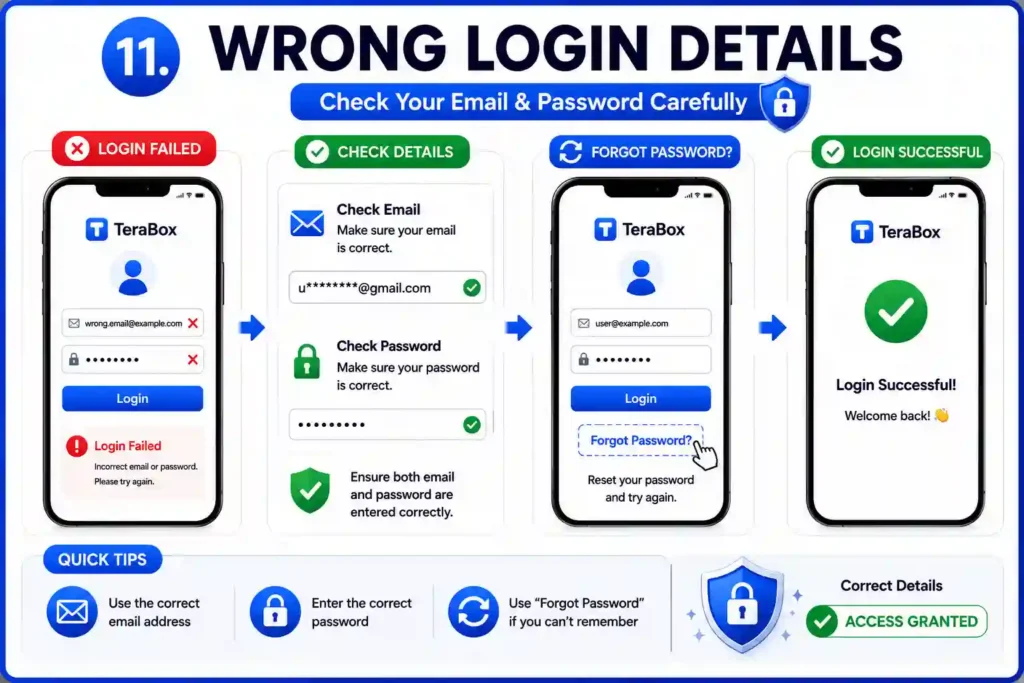
Wrong Login Details
Incorrect login details are the most common issue why TeraBox does not allow you to access your account. So, before logging in to your account, check the email and password carefully, and if you forgot your password, use the forgot password option.
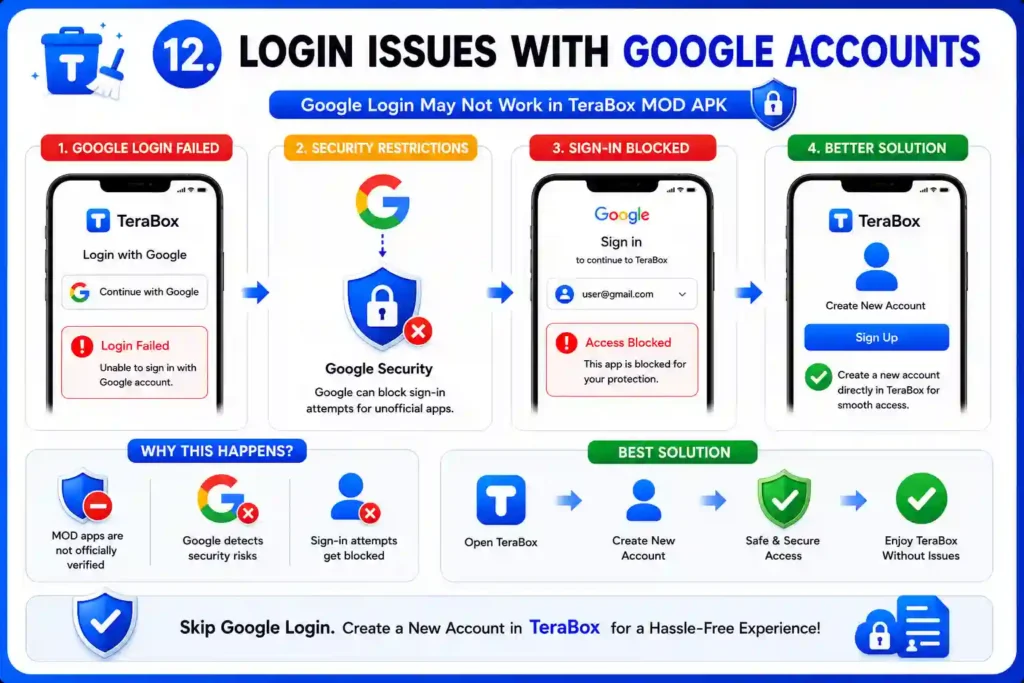
Login issues with Google Accounts
Login with Google accounts may not work properly in TeraBox MOD APK because of security restrictions. Because MOD apps are not officially verified, Google can block sign-in attempts, which leads to login errors or failed access. To avoid this issue, it is better to create a new account directly in TeraBox.
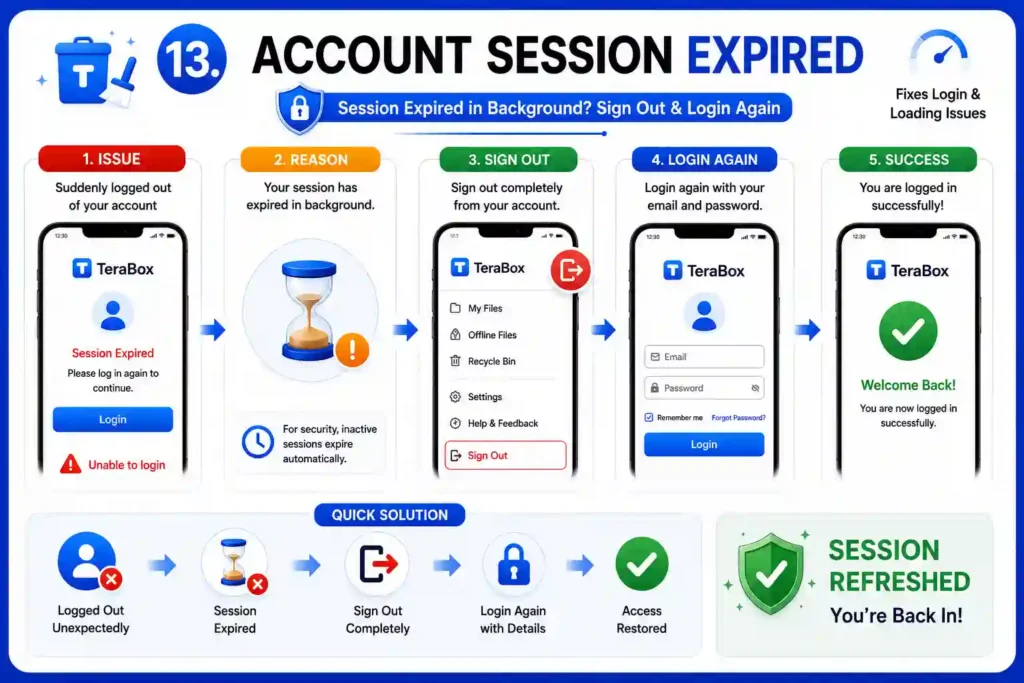
Account Session Expired
This issue occurs when you suddenly find yourself logged out of your TeraBox account, and when you try to log in again, it does not work correctly. This usually happens because your session has expired in the background. An easy solution for this is to completely sign out and then log in again.
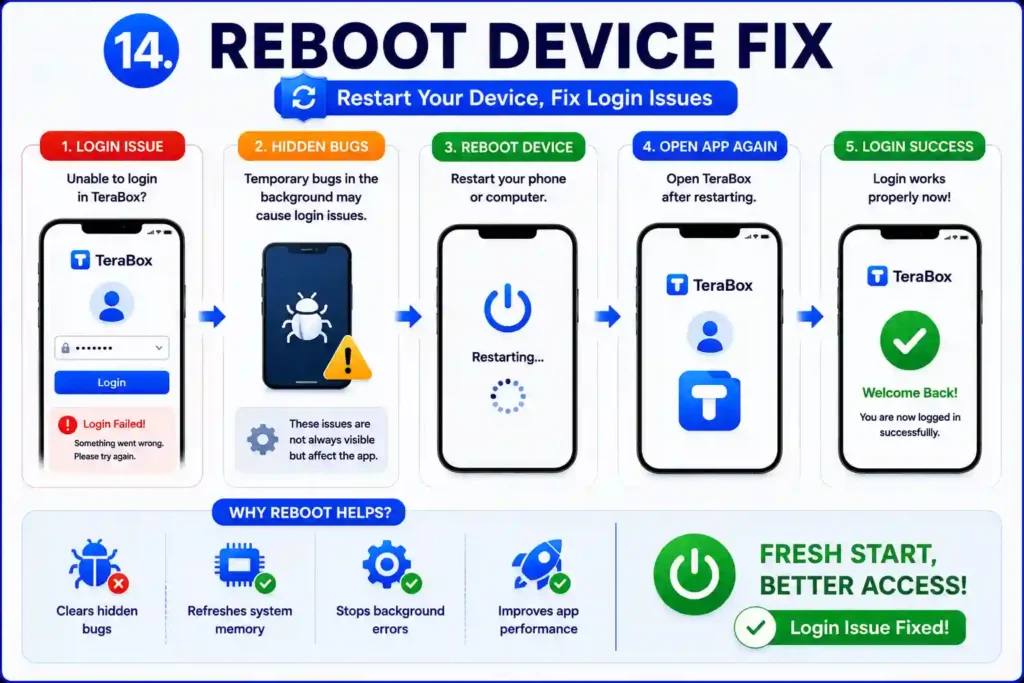
Reboot Device Fix
Some hidden bugs can affect how TeraBox works, especially during login. These issues run in the background and are not always visible, but they can stop the app from responding properly. Rebooting your phone or computer clears these temporary problems and gives the system a fresh start. After restarting, open the app again, and the login usually works properly.
Conclusion
Most of the time, TeraBox login problems occur due to a poor internet connection, old and corrupted files, and app cache. Follow the steps shared in this guide one by one, and in most cases, your login will start working again without any trouble. If none of the above methods work, check whether the server is down or under maintenance, and wait until this issue is resolved.

FAQs About TeraBox Login Problems